Try each feature
Sell gift cards and reward points
Sell a Wix gift card, let anyone check a balance, and start a points-and-rewards program.
Buy a gift card
Add the gift card page
Create a page with the Wix Gift Card block (or [wix_gift_card]). Add [wix_gift_card_balance] below it so anyone can check a code.
Pick an amount
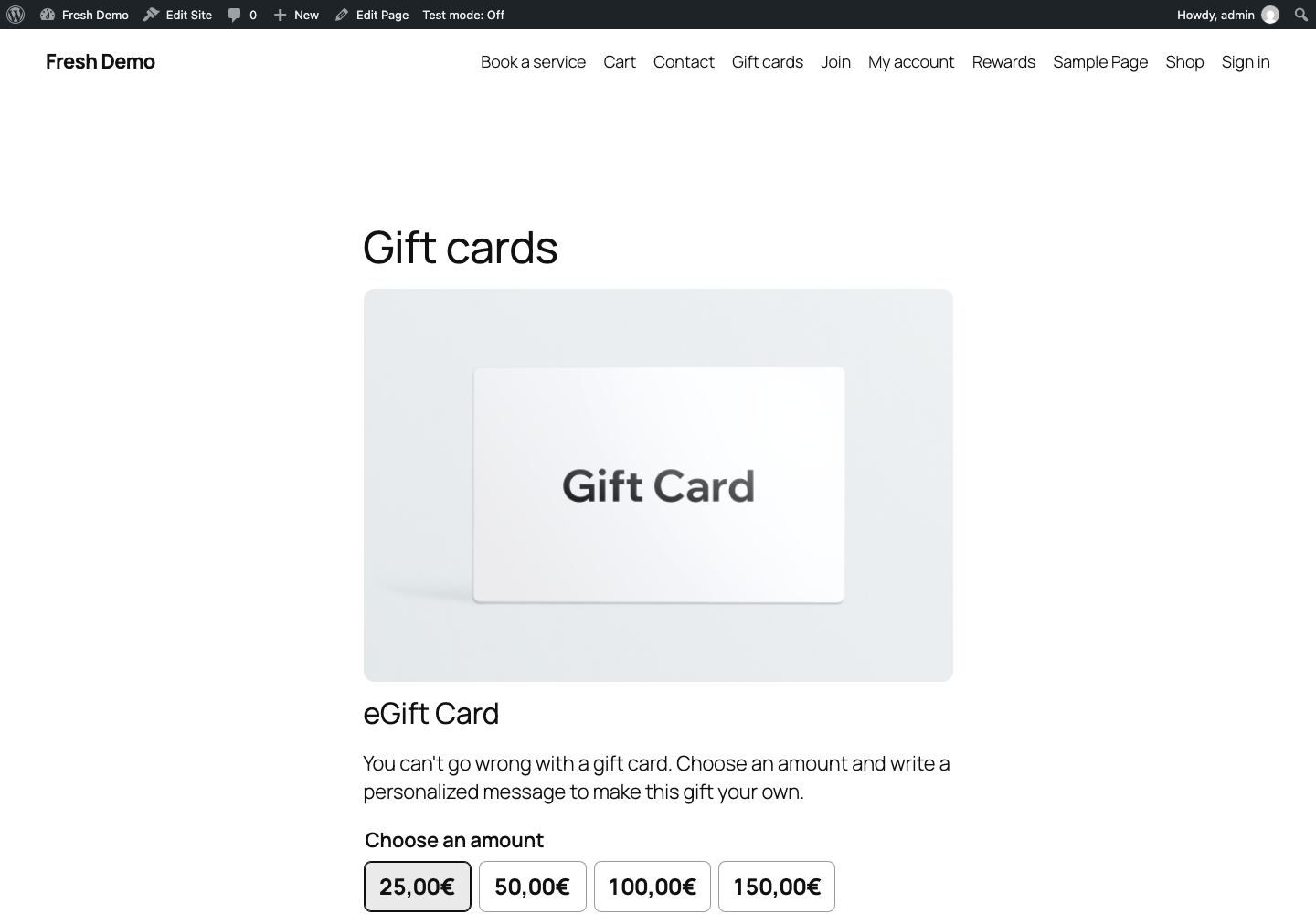
Visitors choose one of the gift card’s amounts and add it to the cart. Promotional prices show when you’ve set them in Wix.
Check out
The card goes through the normal cart and checkout. Wix emails the code to the buyer.
Redeem it
In the cart, the shopper types the code in Gift card code and clicks Apply.

Find the sale in wp-admin
Marketing → Gift Cards lists every card sold or issued, with balances, search and a Disable action.

Start a loyalty program
Open Loyalty → Program
A new program is a draft. Name the program and the points, for example “Paws” or “Stars”.

Add ways to earn
Ways to earn → Add a way to earn. For example, 50 points for signing up, or points per purchase.

Add rewards
Rewards → Add a reward. A reward turns points into a discount coupon.

Activate the program
Back on Program, click Activate program.
Show the program on your site
Add the Wix Loyalty block (or [wix_loyalty]). Signed-out visitors see how to earn and are asked to sign in. Members see their balance, redeem rewards for a coupon code (Copy or Apply to cart), or join.

If something goes wrong
The rewards page says the program hasn't started
The program is still a draft. Click Activate program on Loyalty → Program and reload.
Tiers say they need a premium plan
Loyalty tiers are a Wix premium feature. Ways to earn and rewards work on any plan.
"Earn N points" doesn't show on products
It shows only when the number is exact: one active "Purchase a product" rule that applies to every product. Otherwise nothing is shown rather than a guess.
Can shoppers choose their own gift card amount?
Not yet. Set the amounts on the gift card in Wix. Gift cards also can't be bought in test mode.