Try each feature
Let visitors become members
Visitors sign up and log in on your own pages, with no redirect to Wix. Then restrict content to members.
Members are members of your Wix site. They don’t need a Wix account of their own. Each member also gets a linked WordPress user on first log-in.
Sign up and log in
Add the member pages
Create three pages with the Wix Member Registration, Wix Member Login and Wix Member Account blocks (or [wix_register], [wix_login] and [wix_account]).
Create an account
On the sign-up page, enter an email and password and click Create account. Use a test address you can receive mail at, in case Wix asks you to confirm it.

Log in
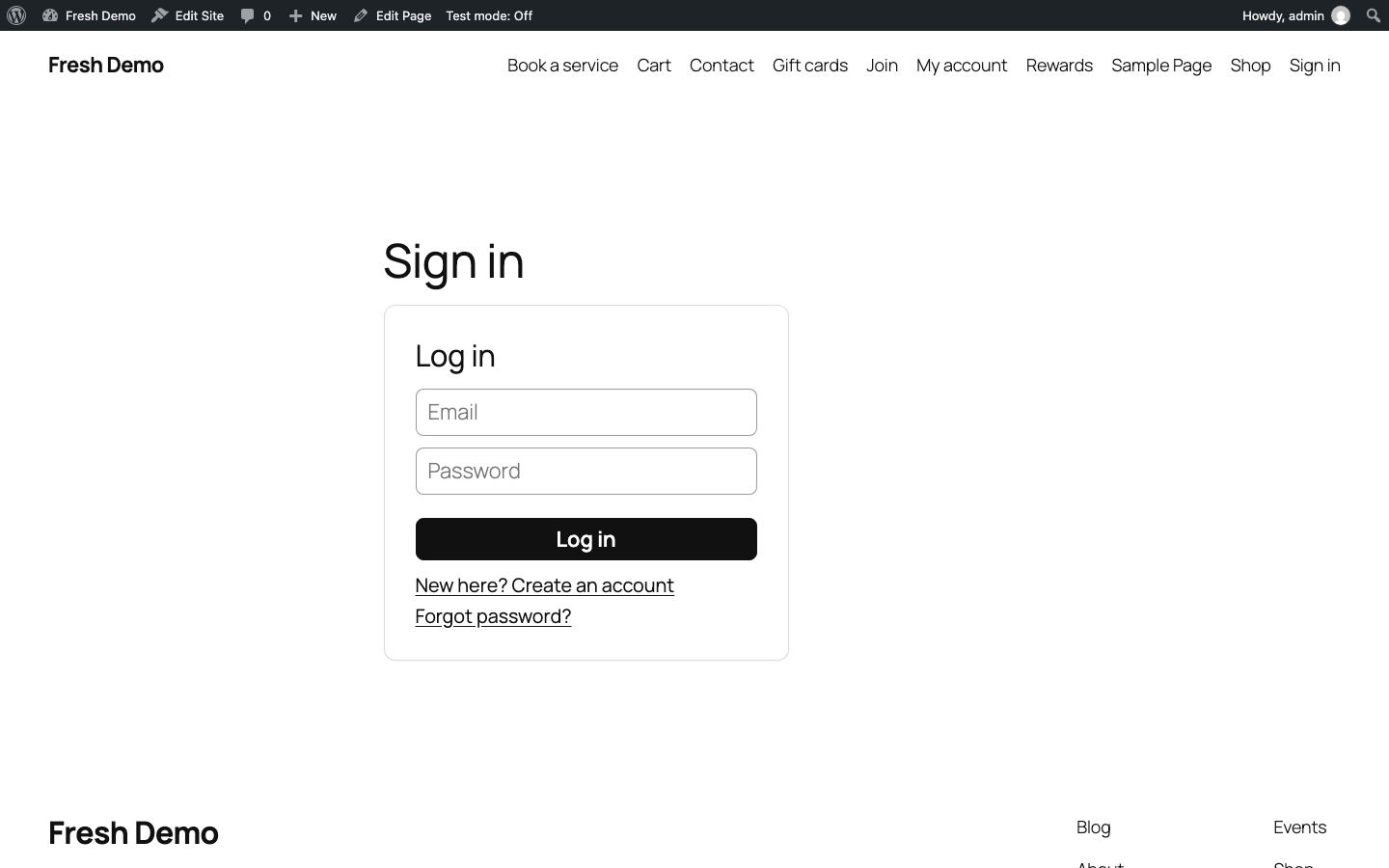
On the log-in page, sign in. It finishes on the page, with no redirect to Wix. Google or Facebook sign-in, when switched on, opens a small window.
Open the account
The account page is the member’s hub: profile, orders, bookings, subscriptions, the Wallet (gift cards and points) and settings.
See the member in wp-admin
Members Area → Members lists every member with status, badges, plans, last log-in and the linked WordPress user. Block stops someone signing in.

Make a page members-only
Open the page in the editor
Any page, post, product or service works.
Use the Member access box
Tick Restrict this content and choose who can see it: any logged-in member, members with a plan or badge, or a WordPress role.

Check it signed out
Open the page in a private window. Visitors who don’t qualify see a message with a log-in or See plans button. The protected text isn’t in the page, excerpts, feeds, search or the sitemap.
Set site-wide defaults
Members Area → Access sets the default message, the plans page, and whether the whole site is members-only.

Member settings
Members Area → Settings picks the account page, turns on reCAPTCHA for sign-up and log-in, and chooses which profile fields members fill in. Manual approval and email confirmation are set in the Wix dashboard (Settings → Members Signup, Login & Security).

If something goes wrong
The sign-up form doesn't accept my new account
Check the message on the form. If your Wix site requires manual approval, the account waits until you approve it in Wix.
A member can't log in
Check their status in Members Area → Members. Blocked or pending members can't sign in. Forgot password? on the log-in form resets the password.
Members can't pause or switch their plan
Wix offers that only to the site owner. Members can cancel, and recurring plans stop at the next payment date.